Adobe Updates: October 2026
October Fall Newsletters by ross.rogers

Jordan Teaching & Learning
Two education powerhouses are teaming up this month! Google and ISTE/ASCD are hosting joint events in October, and we’ve rounded up the top sessions every K-12 educator in our community needs to see.

Thank you so much for participating in the Google AI Educator Series Badge-a-thon: Day of AI Learning on Saturday, September 19, 2026! Over 4,000 educators across the country attended the 10-hour virtual learning festival. Whether you dropped in for a single 30-minute block or stayed to earn multiple ISTE-aligned digital badges live, your dedication to bringing safe, effective AI into classrooms is incredible! ICYMI, recordings of the sessions will be available soon. There are currently 30 GES badges you can earn at your own pace.
Format: Each 15-minute module ends with a short 4-question quiz to earn the corresponding digital badge.
Cost: 100% free through Google for Education.
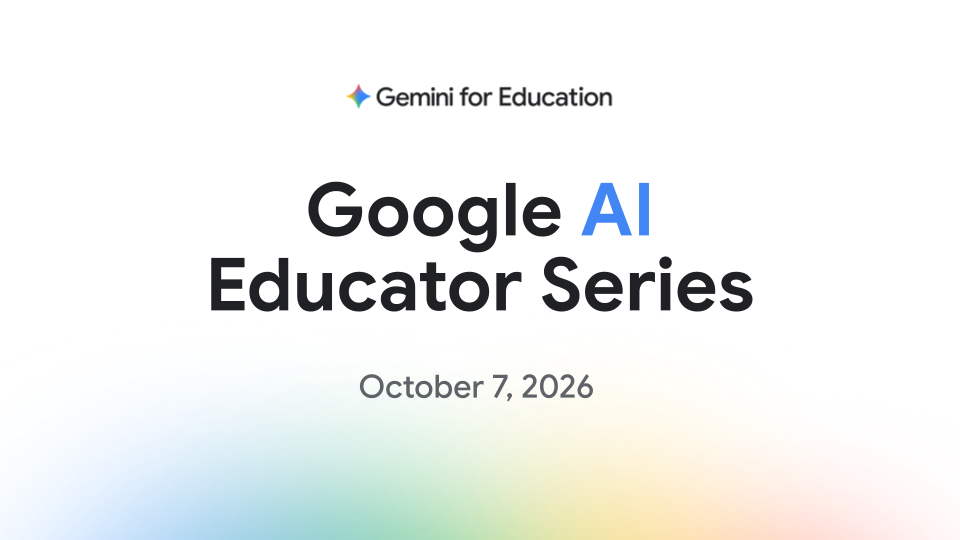
Ongoing Releases: Google releases new sessions and badges regularly on the Google Educator Certifications hub. The next release will be October 7. Join the Google for Education Impact Team this October for their latest AI Educator Series release! Register now to learn, grow, and earn your newest microcredentials!
Wed, October 7, 2026
11:00 AM - 11:30 AM MDT
Save your spot here: https://rsvp.withgoogle.com/events/google-ai-educator-series-october-content-drop
 Opportunities to Deepen Your Skills This Month
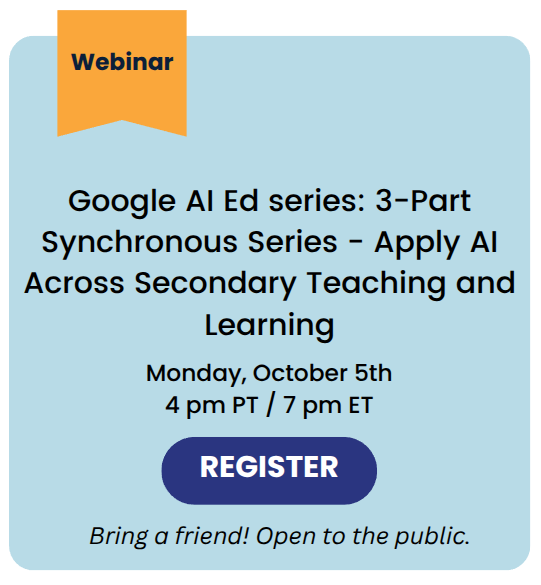
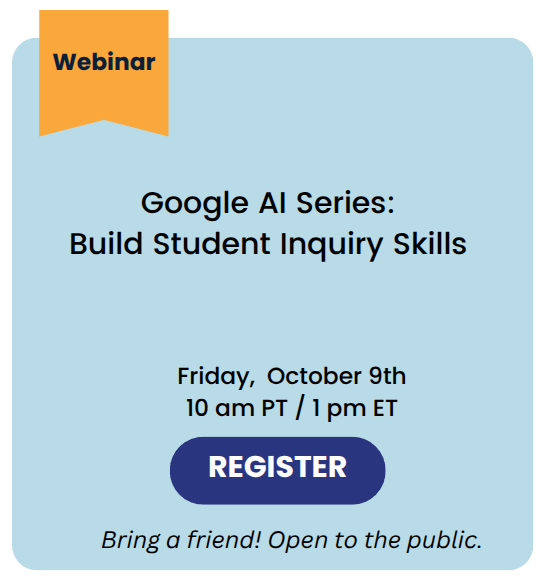
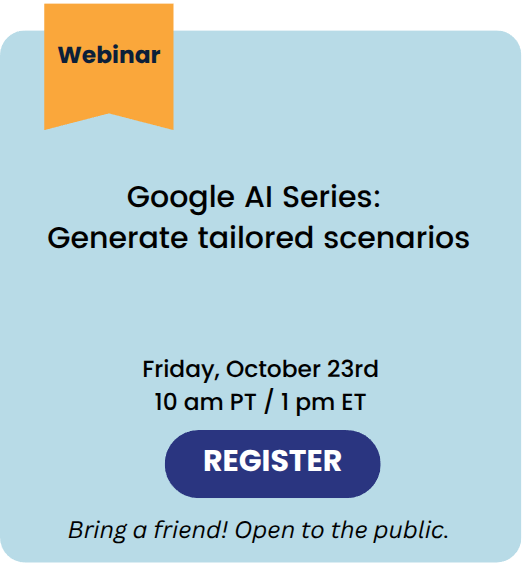
From expert-led webinars to meetups with fellow educators, there are so many great opportunities to join ISTE/ASCD and Google for peer learning! Here are the top three sessions recommended for you this month.
Sign up here to save your seat: https://communityeventsisteascd.my.canva.site/iste-ascd-october-2026-community-events-digest
 |
 |
 |
Welcome to October! As part of our ongoing commitment to our district’s strategic plan, this month’s focus is on High-Quality Instruction + Canvas.
According to John Hattie’s Visible Learning research, any teaching strategy with an effect size over 0.40 accelerates student learning beyond a typical year's growth.
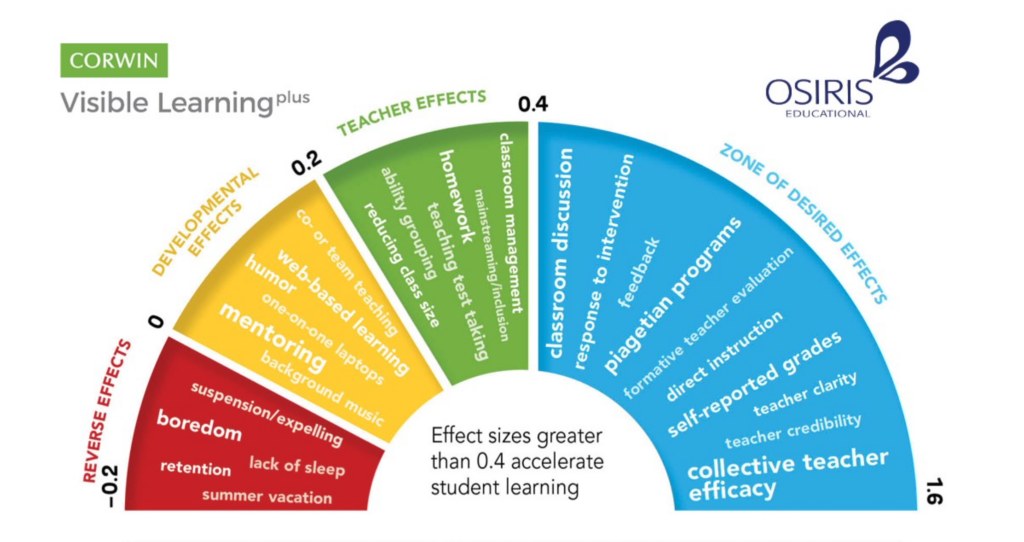
Here is how four high-impact, evidence-based strategies from John Hattie's research and modified into these teacher-friendly PDFs from Utah State Board of Education. You can find these and more linked in the USBE PCBL Framework. For our October Update, we are looking to connect some of these Evidence-Based Practices with using Canvas:
High-Impact Teaching Strategies & Canvas Connections
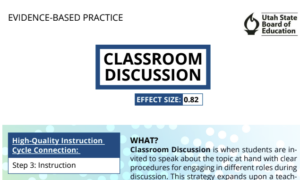
Classroom Discussion (Effect Size: 0.82)
The Strategy: Active peer-to-peer discourse deepens understanding through structured interaction.
Canvas Connection: Use Discussions to host asynchronous preparation threads or post-lesson debriefs. Teachers can enable the "Users must post before seeing replies" feature to encourage original student thinking, and embed sentence starters directly in the prompt to support clear academic dialogue.
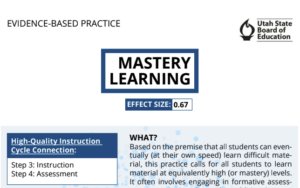
Mastery Learning (Effect Size: 0.67)
The Strategy: Breaking content into distinct units where students receive targeted feedback and multiple opportunities to demonstrate competence.
Canvas Connection: Build Modules with Prerequisites and Requirements (e.g., scoring at least 80% on a quiz before moving forward). Pair this with Mastery Paths to automatically route students to customized support, intervention, or enrichment activities based on their score.
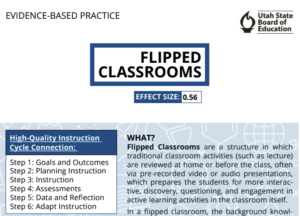
Flipped Classrooms (Effect Size: 0.56)
The Strategy: Moving traditional lecture/background content outside of class time frees up face-to-face hours for interactive practice and small-group support.
Canvas Connection: Embed short instructional videos (via MyVideoSpot) directly onto a Canvas Page as pre-class prep. Use embedded video questions (see How to Use Insights in MyVideoSpot) to check for baseline understanding before students step into the classroom.
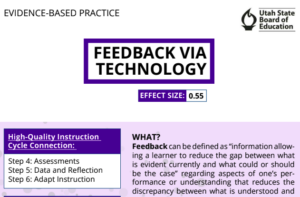
Feedback via Technology (Effect Size: 0.55)
The Strategy: Providing timely, actionable, and specific feedback helps students understand where they are going, how they are doing, and what steps to take next.
Canvas Connection: Leverage SpeedGrader to leave audio, video, or annotated text comments directly on student submissions (See Feedback tutorial). Use Rubrics linked to learning outcomes so students get clear, immediate data on their progress.
Next Steps for Educators
Pick one strategy above to try or refine in your Canvas courses this month. Small, intentional shifts in how we leverage digital tools directly amplify high-quality classroom instruction!
Are you struggling to see a Canva design shared with you?
Use the following graphic to help you troubleshoot the problem.
Why Can’t I See A Canva Design? by melanie.leavittSchoolAI's browser extension now features an AI Notetaker that is designed specifically for educators. With just one click, you can record your meetings and receive structured summaries, action items, and clear takeaways instantly.
Because it is built directly into the SchoolAI browser extension your notes stay private, secure, and compliant with FERPA and COPPA standards.
This tool allows you to spend less time writing notes and more time actively engaged in the conversations. Perfect for PLCs, parent conferences, coaching interactions, and more!
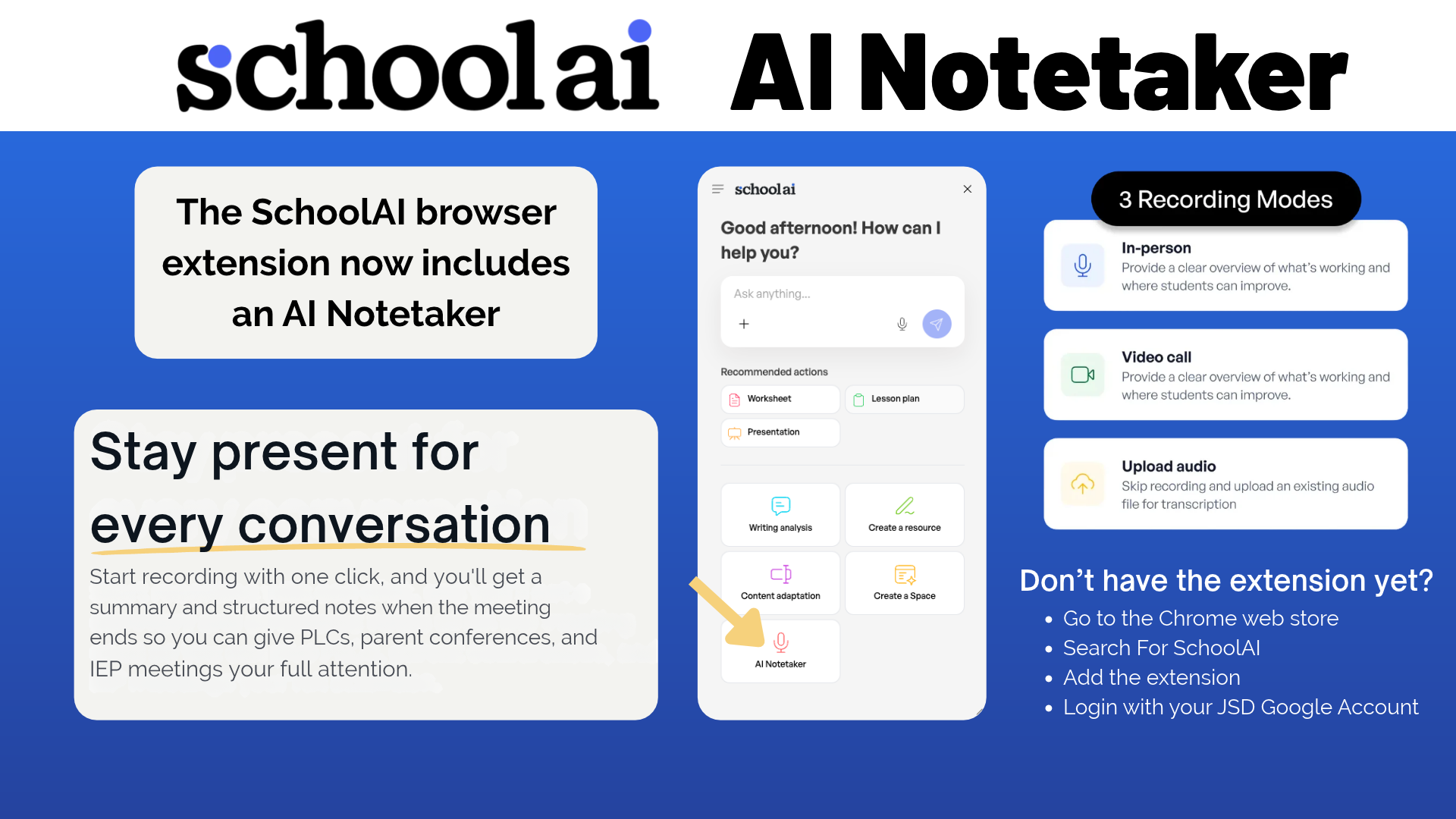
Don't have the extension yet?