Adobe Updates: October 2026
October Fall Newsletters by ross.rogers

Jordan Teaching & Learning
Two education powerhouses are teaming up this month! Google and ISTE/ASCD are hosting joint events in October, and we’ve rounded up the top sessions every K-12 educator in our community needs to see.
Thank you so much for participating in the Google AI Educator Series Badge-a-thon: Day of AI Learning on Saturday, September 19, 2026! Over 4,000 educators across the country attended the 10-hour virtual learning festival. Whether you dropped in for a single 30-minute block or stayed to earn multiple ISTE-aligned digital badges live, your dedication to bringing safe, effective AI into classrooms is incredible! ICYMI, recordings of the sessions will be available soon. There are currently 30 GES badges you can earn at your own pace.
Format: Each 15-minute module ends with a short 4-question quiz to earn the corresponding digital badge.
Cost: 100% free through Google for Education.
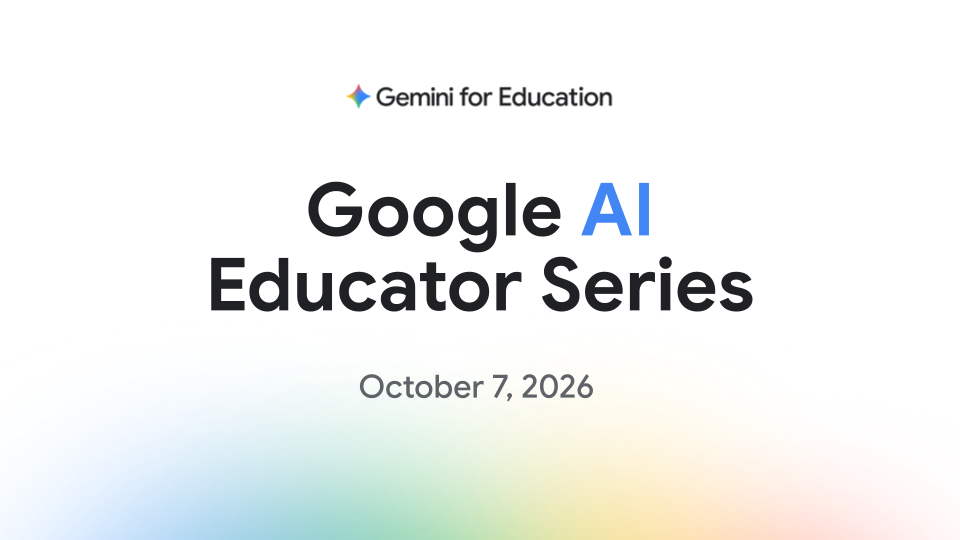
Ongoing Releases: Google releases new sessions and badges regularly on the Google Educator Certifications hub. The next release will be October 7. Join the Google for Education Impact Team this October for their latest AI Educator Series release! Register now to learn, grow, and earn your newest microcredentials!
Wed, October 7, 2026
11:00 AM - 11:30 AM MDT
Save your spot here: https://rsvp.withgoogle.com/events/google-ai-educator-series-october-content-drop
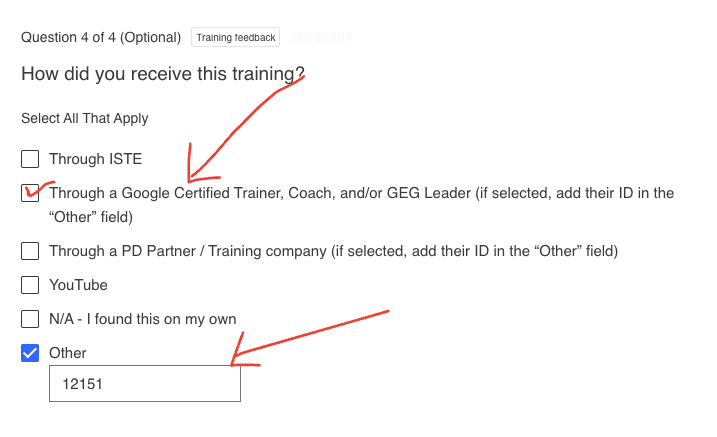
 Opportunities to Deepen Your Skills This Month
From expert-led webinars to meetups with fellow educators, there are so many great opportunities to join ISTE/ASCD and Google for peer learning! Here are the top three sessions recommended for you this month.
Sign up here to save your seat: https://communityeventsisteascd.my.canva.site/iste-ascd-october-2026-community-events-digest
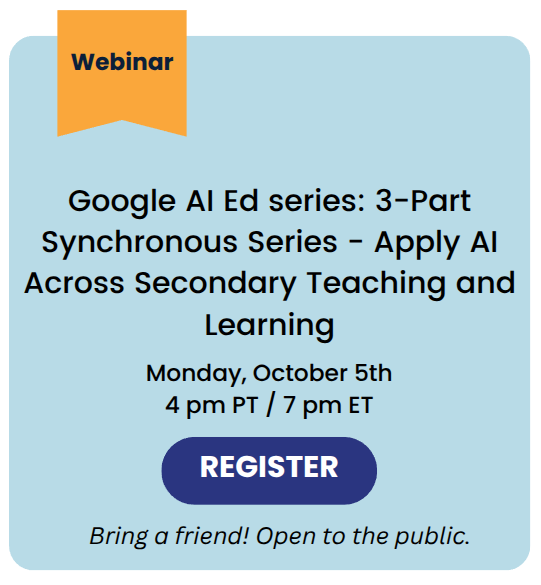 |
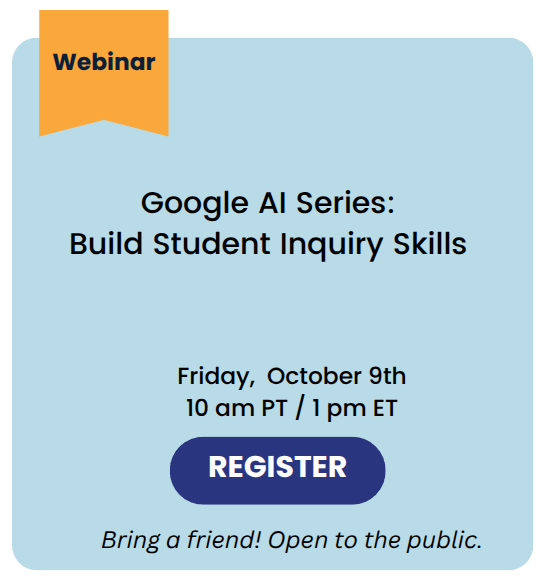 |
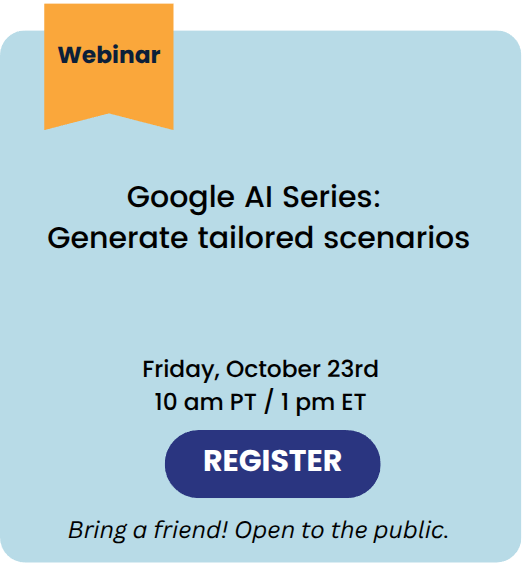 |
🍂 September 19: GES Badge-a-Thon
We're excited to join the Google for Education community for the upcoming Google AI Educator Series Badge-a-thon on Saturday, September 19th! We are looking forward to tuning in and checking out our favorite sessions from Dr. Tyler Tarver, Eric, Curts, Alice Keeler and more! During the badge-a-thon, attendees will: 1. Explore concrete, high-impact AI workflows for the classroom 2. Complete the Google AI Educator module step-by-step 3. Earn official badges live on stream with dedicated Googler support 4. Join me and educators nationwide for this collaborative day of learning! Register and RSVP here: https://goo.gle/GESBadgeathon

🍎 Google and ISTE+ASCD AI Educator Microcredentials
The AI skills you need, delivered the way you need them. The Google AI Educator Series provides free, standards-aligned AI literacy training for every educator across K-12 and higher education. Learn from Google through bite-sized sessions designed to meet your schedule, and earn digital badges along the way. This fall, grow your Googleyness by earning the first half of the set with more to be released on September 2. More information here. Try them out: Google AI Educator Series
🍎 FREE Google Certifications
Google Certified Educator Level 1, Level 2, and Gemini Certification Exams are now free of charge indefinitely! Start your journey today: https://educertifications.google/
🍎NotebookLM is now Gemini Notebook
NotebookLM was just renamed to Gemini Notebook. It remains a standalone product focused on being your premier research tool, but it will now do more across the Google ecosystem, including inside the Gemini app and Google Search. Learn more here!
🍎 ISTE 2026 Launch Guide
July brought new, helpful tools to support educators and students. In Google's ISTE 2026 launch guide, you’ll find more than 80 new or recently launched features! Learn more here!
🍎 50+ new features coming to Google for Education
Discover our latest launches, including new educator-led AI tools in Google Classroom, study notebooks and no-cost practice ACT and GRE tests in Gemini, Guided Learning in Class tools for managed Chromebooks, and the Classroom app in Gemini to help educators with everyday teaching tasks. Learn more here!
🍎 Interested in being a leader?
GEG Utah is looking for additional leadership team members for the 2026-2027 school year. It’s a fantastic way to elevate your professional profile, connect directly with Google for Education teams, and bring fresh, innovative ideas to our teaching community. By joining us, we can divide and conquer, keeping events fun, manageable, and impactful. If you're interested in stepping into this leadership role, fill out the following form:
GEG Leadership Interest
🍎 Sharing is Caring!
Share GEG Utah with others! It's completely free, and you'll get monthly emails full of helpful resources, info on upcoming meetups, and more. Here’s the link to join if you're interested.
Join GEG Utah Form
As you begin to interact with MyVideoSpot again this year, remember that there are tutorials and help videos available to you at any time!
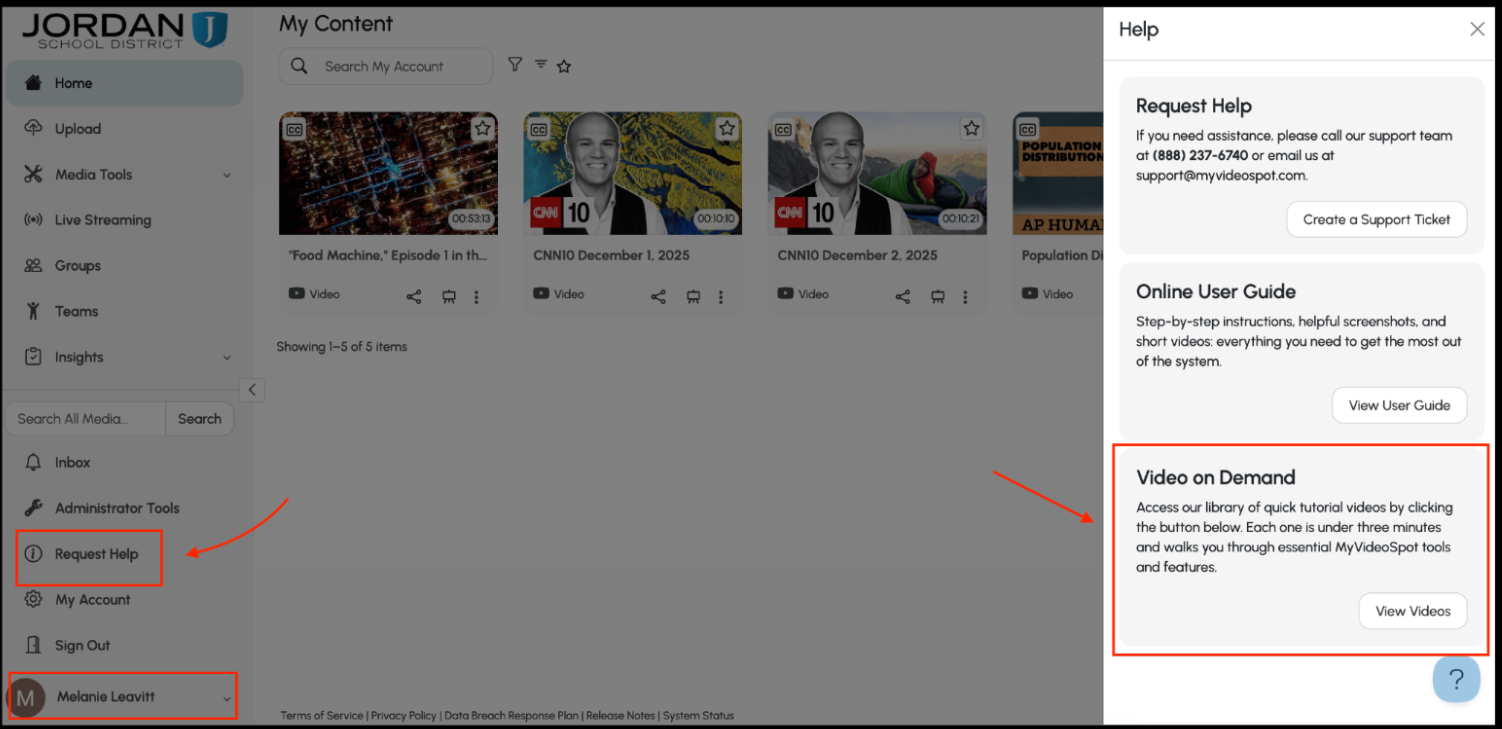
In MyVideoSpot, click on your name in the bottom left corner, find the “Request Help” button, and then select “View Videos” under the “Videos on Demand” section.
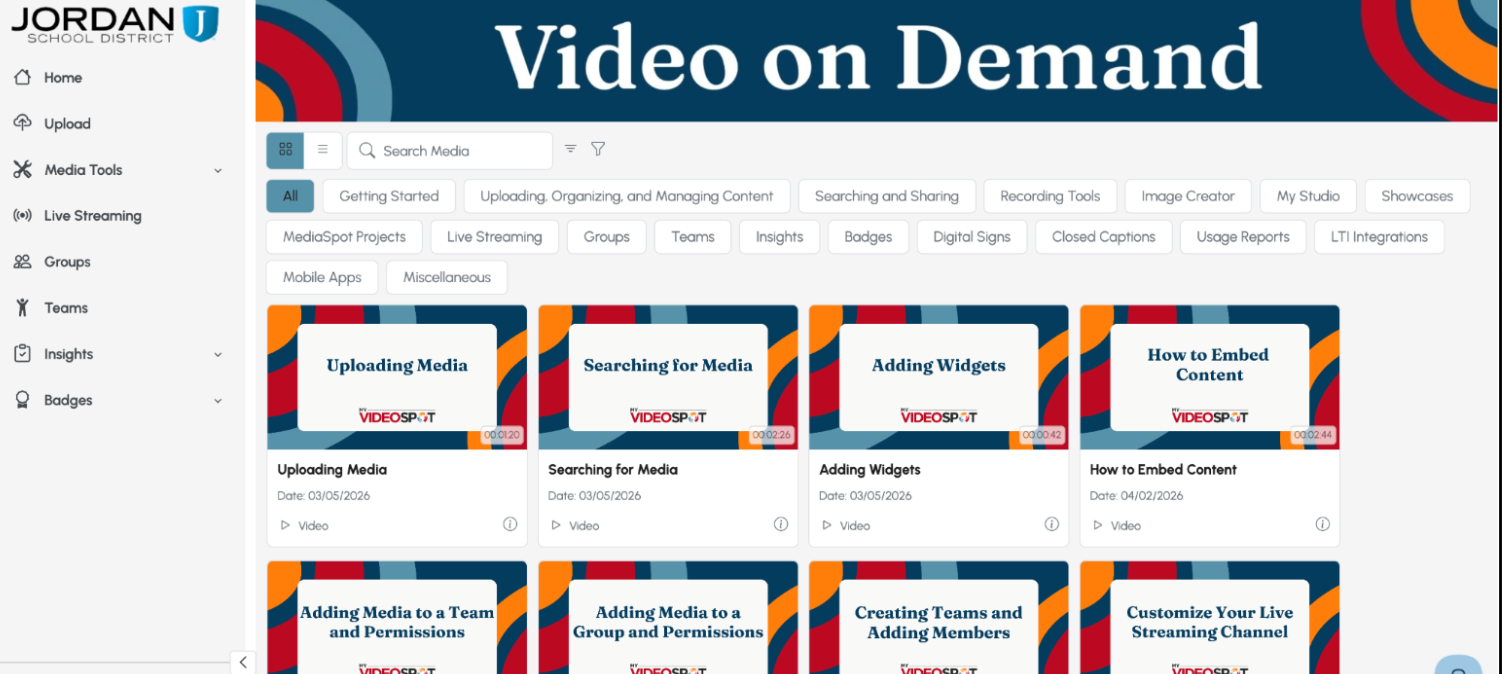
Learn how to navigate the site, the difference between groups and teams, and how to view reports!