 Canvas is our learning management system (LMS) that allows teachers to take their teaching and resources online. We can meet our students in their own environments by sharing content online. Resources, discussions, assignments, quizzes, and much more can now be accessed by anyone, anywhere - making learning limitless!
Access older Canvas updates in the Archive.
Oct 2026 Update
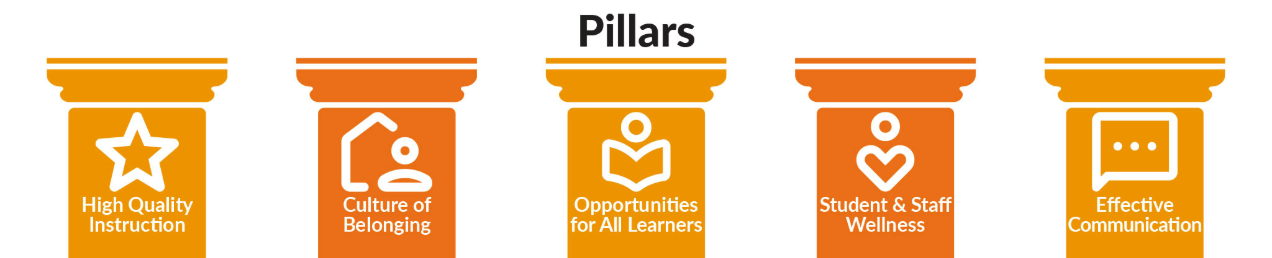
Welcome to October! As part of our ongoing commitment to our district’s strategic plan, this month’s focus is on High-Quality Instruction + Canvas.
According to John Hattie’s Visible Learning research, any teaching . . . (Continue Reading).
Sept 2026 Update

This month’s focus is on effective communication and Canvas is a versatile tool to communicate with lots of different groups. For this month, I have spotlighted two ways to use Canvas to communicate with your stakeholders . . . (Continue Reading).
Aug 2026 Update
Welcome to a new school year! To help you prepare your courses and make the most of Canvas, here is a quick round-up of course setup tips, available support resources, and newly released features rolling out by August 15th . . . (Continue Reading).
Getting Started
Teacher Login
Student Login
Parent Login
Parent Observer
Acceso estudiantil
Acceso parental
Canvas Guides & Resources
Instructor Canvas Guide
Student Canvas Guide
Parent/Observer Canvas Guide
Canvas Community
Questions? Contact Me:
Kiera Beddes
801-567-8264